Herramientas BODYCAM
Planificador de loadout Cash, calculadora de accesorios y mapa XP — para dejar de gastar Robux en nada.
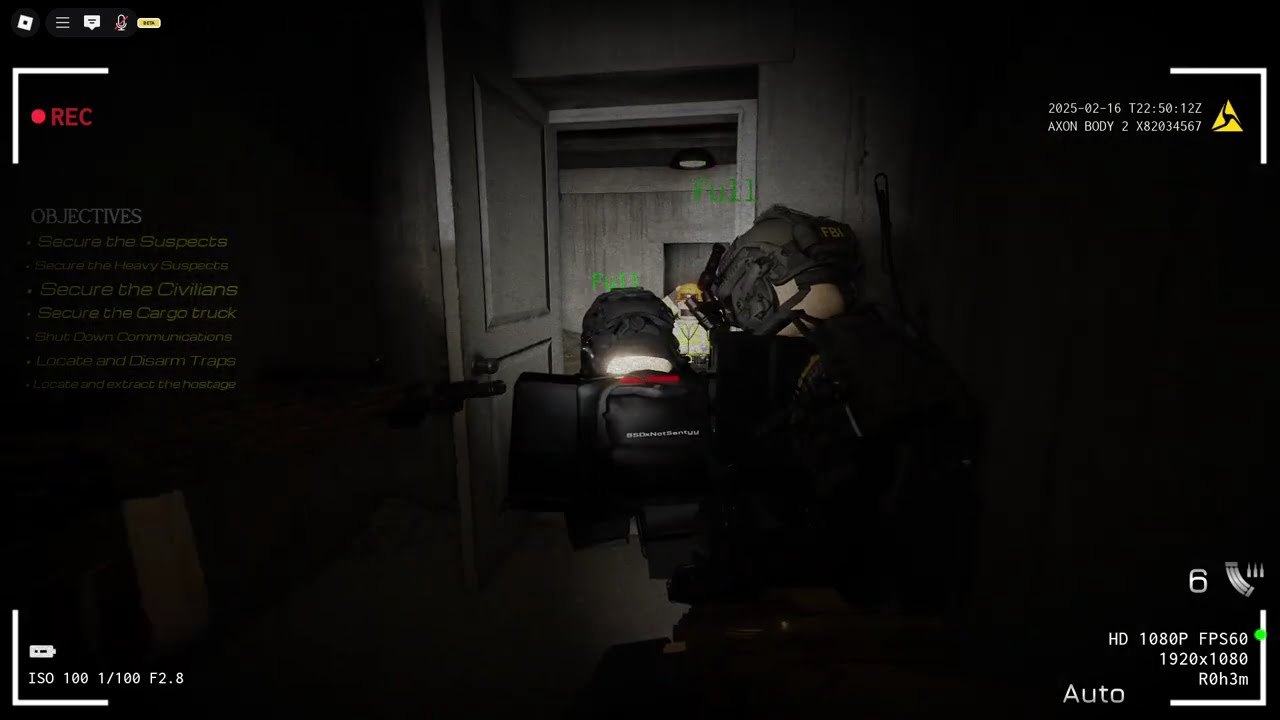
This hub holds the utility calculators that BODYCAM does not ship in-game. The loadout bench arrived May 2026 and sells attachments for Cash — but the game never tells you which grip burns your budget before you clear House Raid, or whether a combat optic is worth more than a foregrip on a rifle you will replace in three weeks. Use the loadout planner to sort attachments by type and effective range, then cross-reference prices against the weapon tier list before you commit Cash.
The XP map tracks every known XP source across Operations. Daily quests pay the most consistent Cash and XP per hour — run those before you grind rank on House Raid. VIP doubles both, so a ten-minute daily stack pays more than forty minutes of clean extractions on Hard.
BODYCAM is a free Roblox PvE co-op shooter by Quantum Studios EU. Servers hold 32 players. Squads cap at six friends. The game has no native calculator, loadout optimizer, or XP tracker — that gap is what this hub fills.
Loadout Planner
The Loadout Planner is a structured reference for the Cash attachments the loadout bench sells. It covers every named attachment slot, current prices, and which ones survive a weapon swap versus which ones are wasted on a rifle you will replace. Use it before you spend your first 750 Cash from THXFORWAITING and FreeCash.
XP Map
The XP Map is a ranked list of every XP source the game rewards. Suspect neutralization, civilian non-harm, evidence reports, mission completion, and daily quests all pay differently. The map tells you which Operation pays most XP per minute so you grind rank efficiently, not just by volume.
How these tools relate to the rest of the wiki
- Getting Started → run your first two Operations
- Loadout bench → what the bench sells and when to visit it
- Weapon tier list → which named rifles are worth their gamepass before you attach a $200 foregrip to a C-tier gun
- Daily quests → the highest-value repeatable content in the game
- Latest update → the May 2026 systems this hub assumes
This hub does not require a gamepass to use. All tools are reference guides. No data leaves your browser.
Preguntas frecuentes
Respuestas rápidas a las preguntas que más buscan los operadores de Bodycam antes de desplegarse.
Does Bodycam have an in-game weapon builder guide?
No. The weapon builder is accessible in-game through the tactical tablet (Tab) and the weapon modification key (B), but there is no in-game reference for which attachments are most effective. The Weapon Builder page on this wiki fills that gap.
What is eDPI and why does it matter in Bodycam?
eDPI is in-game sensitivity multiplied by your mouse DPI. Bodycam uses a single sensitivity for hip-fire and ADS (no separate multiplier), and the competitive range is 300–800 eDPI. Finding your eDPI and keeping it consistent is more important than chasing any specific number.
Where is the Bodycam config file?
At %LOCALAPPDATA%\Bodycam\Saved\SaveGames\SystemConfig.json. It contains raw input and settings not exposed in the in-game menu.